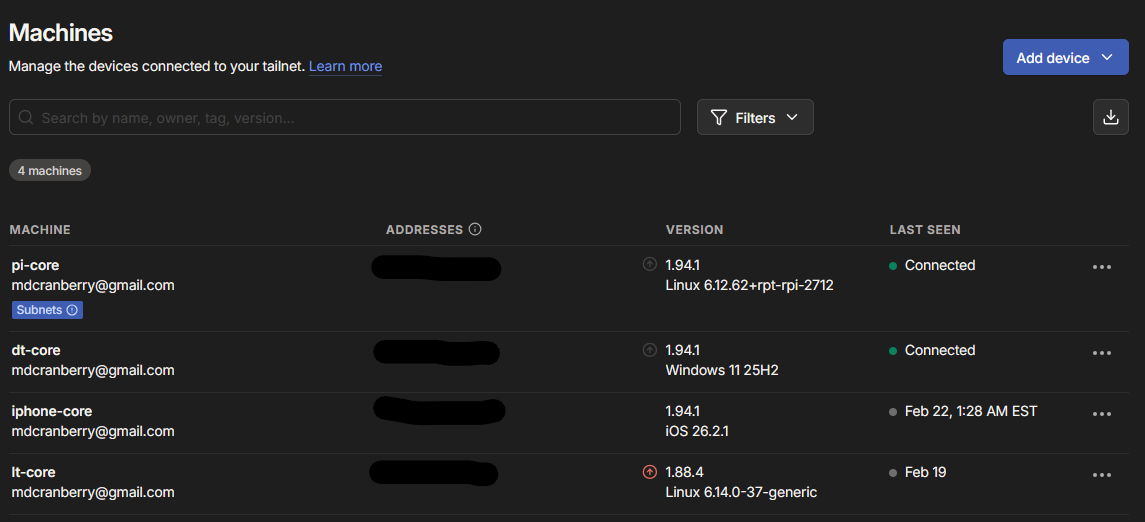
Overview
Over the past year I built out a proper home network from scratch using enterprise-grade Ubiquiti hardware. The goal was security, performance, and full smart-home automation - without relying on cloud services.
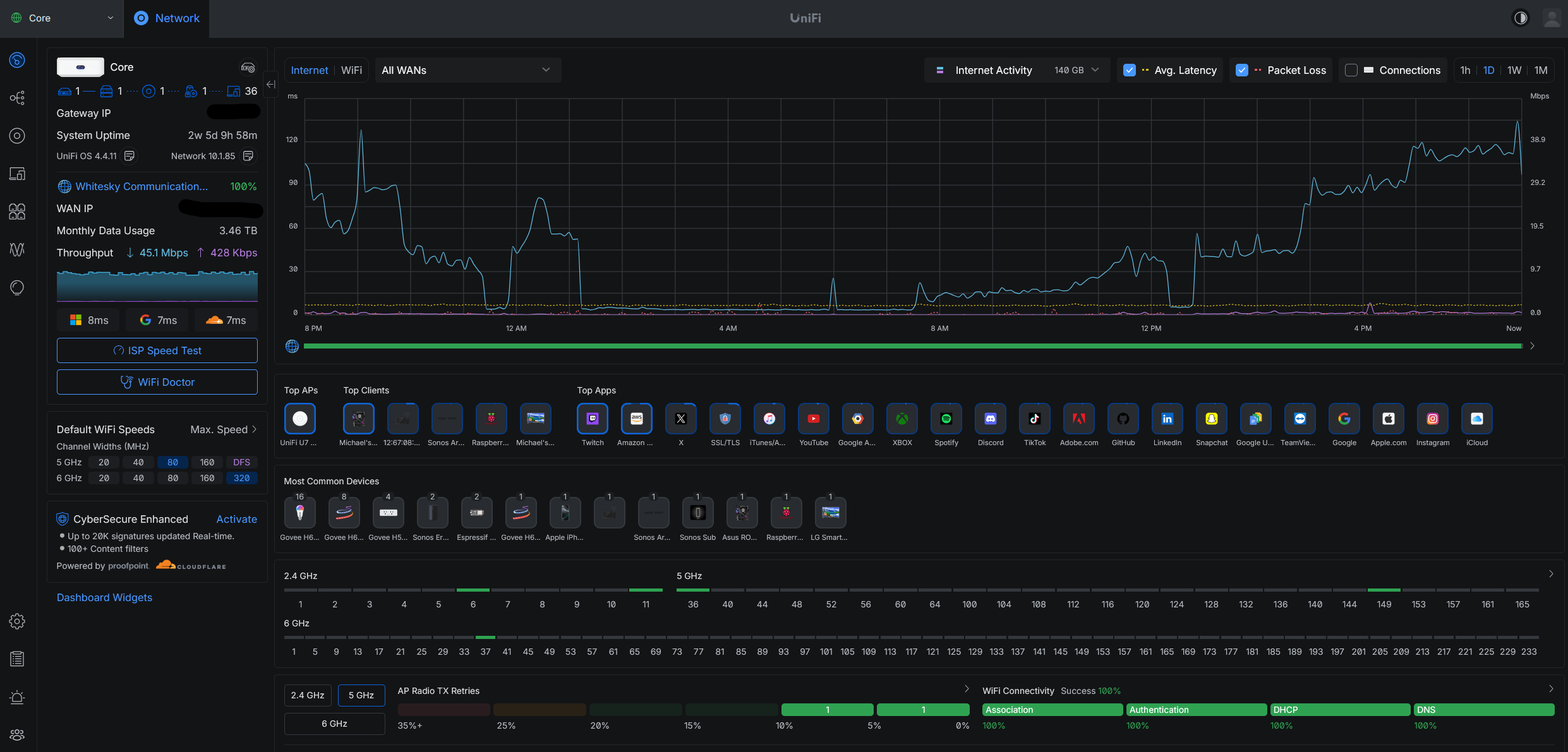
Network Architecture - VLANs
The foundation is a Ubiquiti UniFi Router, a managed switch, and an access points. Rather than putting everything on one flat network, I segmented traffic into five VLANs:
- ◆Admin VLAN - trusted devices: laptops, phones, NAS
- ◆IoT VLAN - smart home devices: lights, sensors, cameras
- ◆VM VLAN - virtual machines and homelab services
- ◆Guest VLAN - isolated internet-only access for visitors
- ◆Management VLAN - ubiquiti enterprise network devices
Firewall rules block all cross-VLAN traffic by default. IoT devices can only talk to Home Assistant; they cannot reach the Admin network.
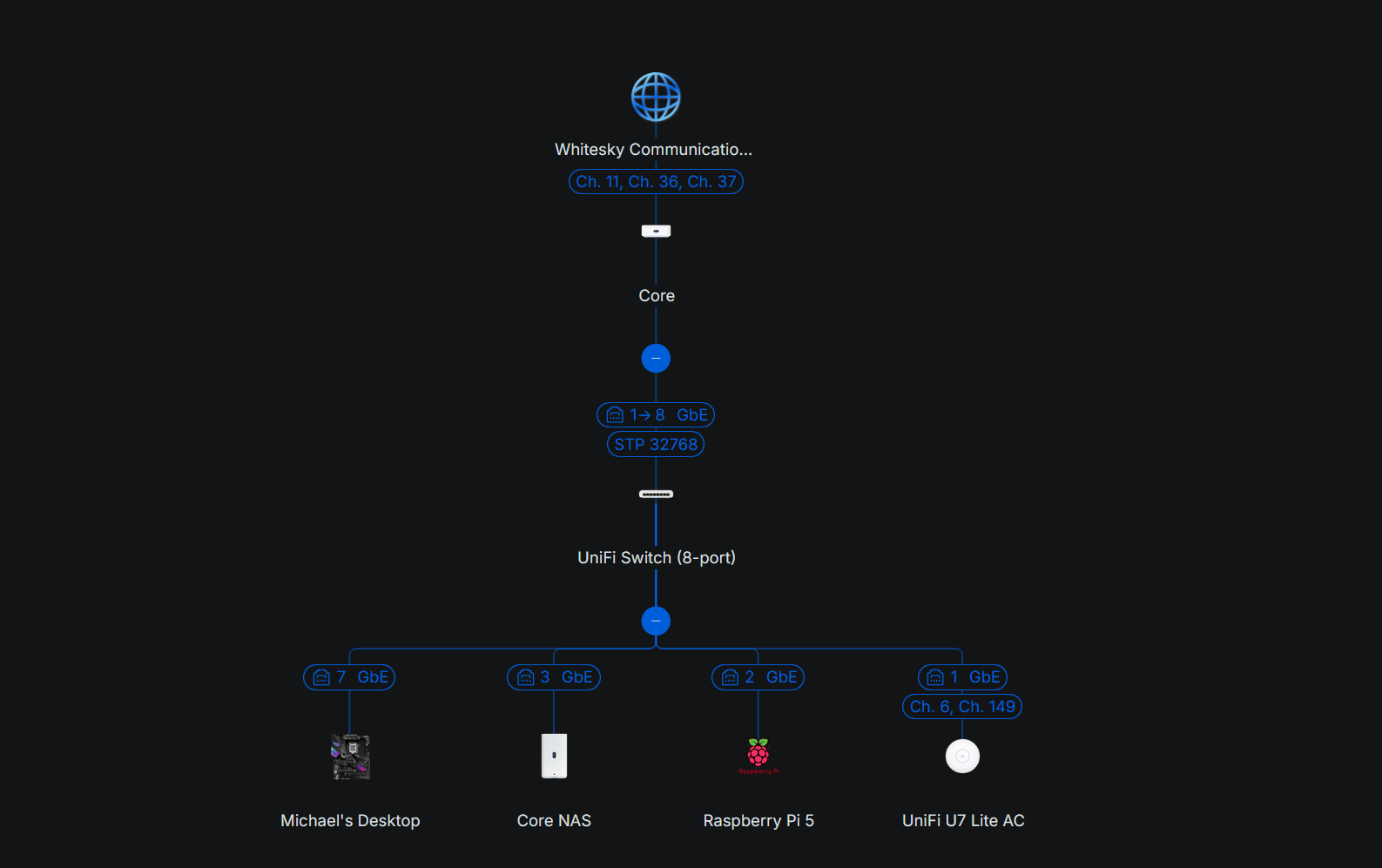
Home Assistant on Raspberry Pi 5
All smart-home devices - lights, thermostats, sensors, and cameras - are controlled through Home Assistant running on a Raspberry Pi 5. The Pi5's extra horsepower handles real-time automation, local voice control, and custom dashboards without cloud dependency.
- ◆Motion-triggered lighting scenes
- ◆Presence detection via phone GPS + Wi-Fi probe
- ◆Energy monitoring for every outlet
- ◆Automated morning/night routines
- ◆Music scenes via M2QT for Govee (Mosquitto)
Homelab
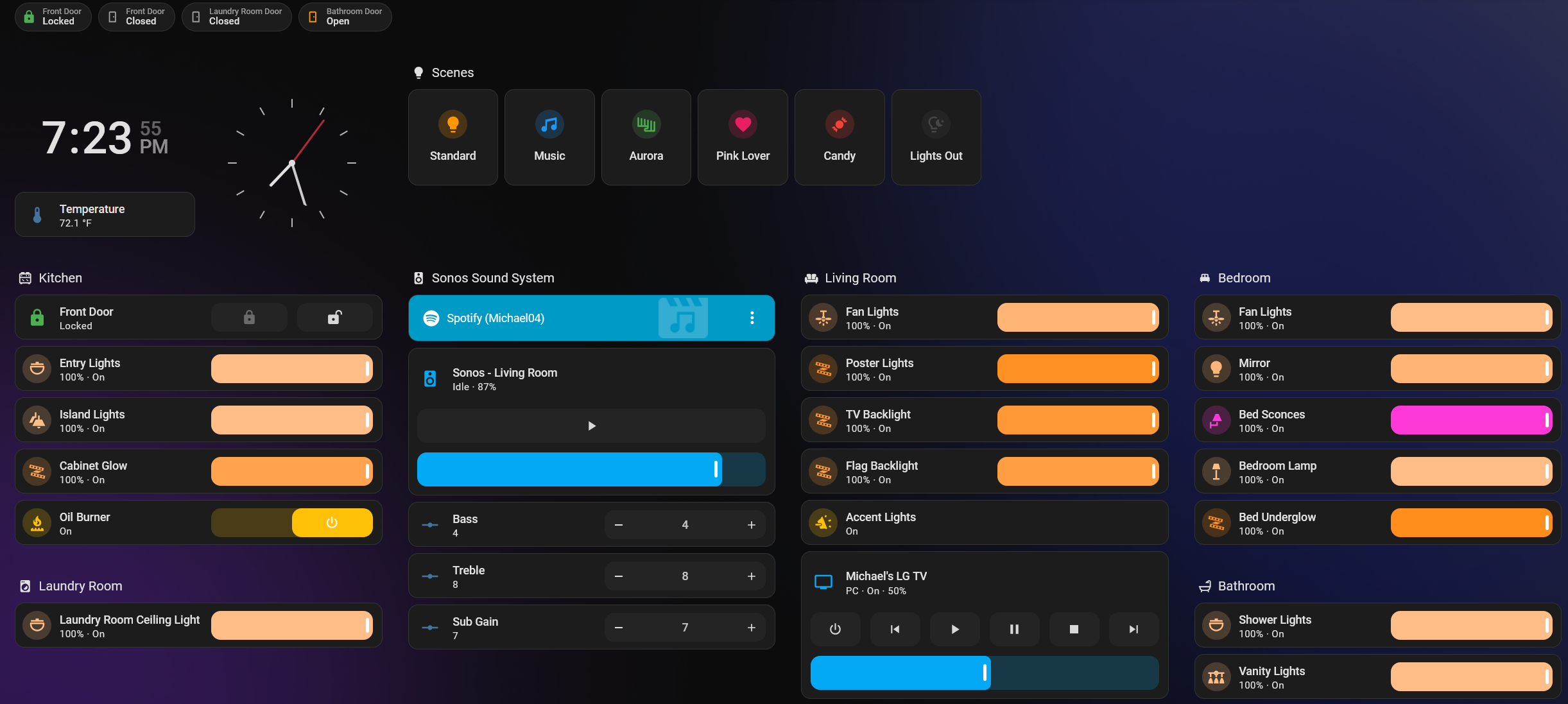
A UNAS serves as the central storage layer.
Raspberry Pi 5 running Portainer as well as the ALWAYS-ON device to keep the homelab always online. Accessing the services from the raspberry pi, my computer, or even my phone!
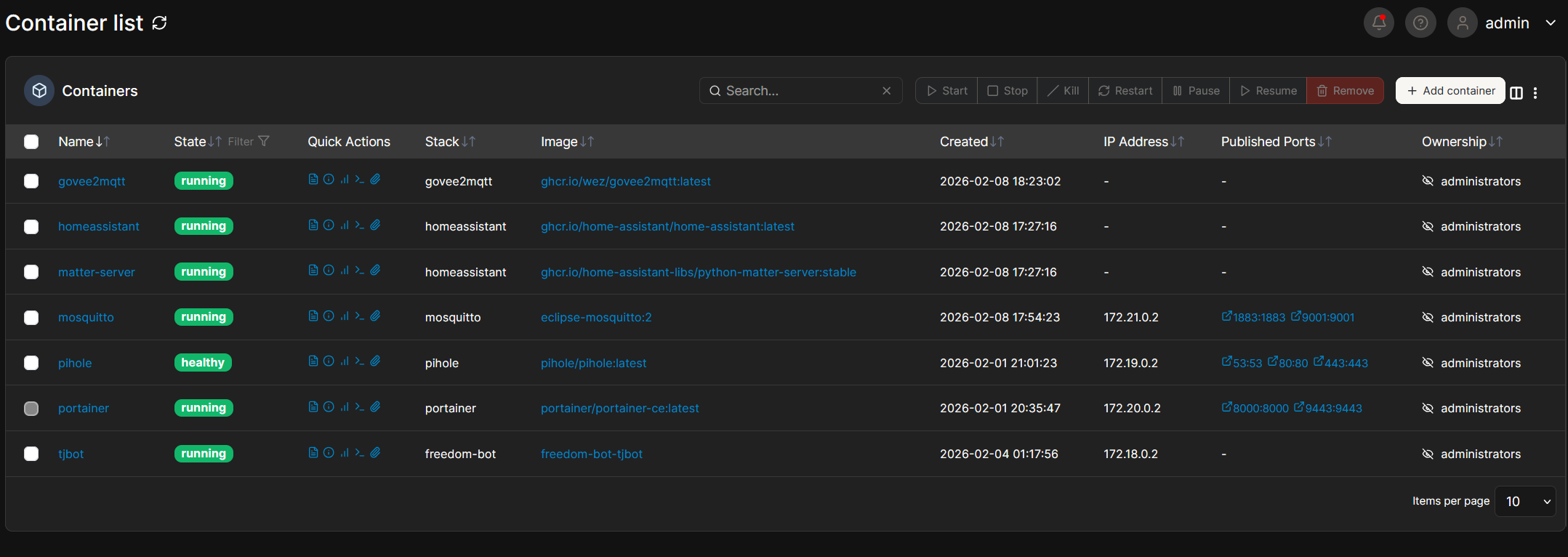
Pi-hole - Network-Wide Ad Blocking
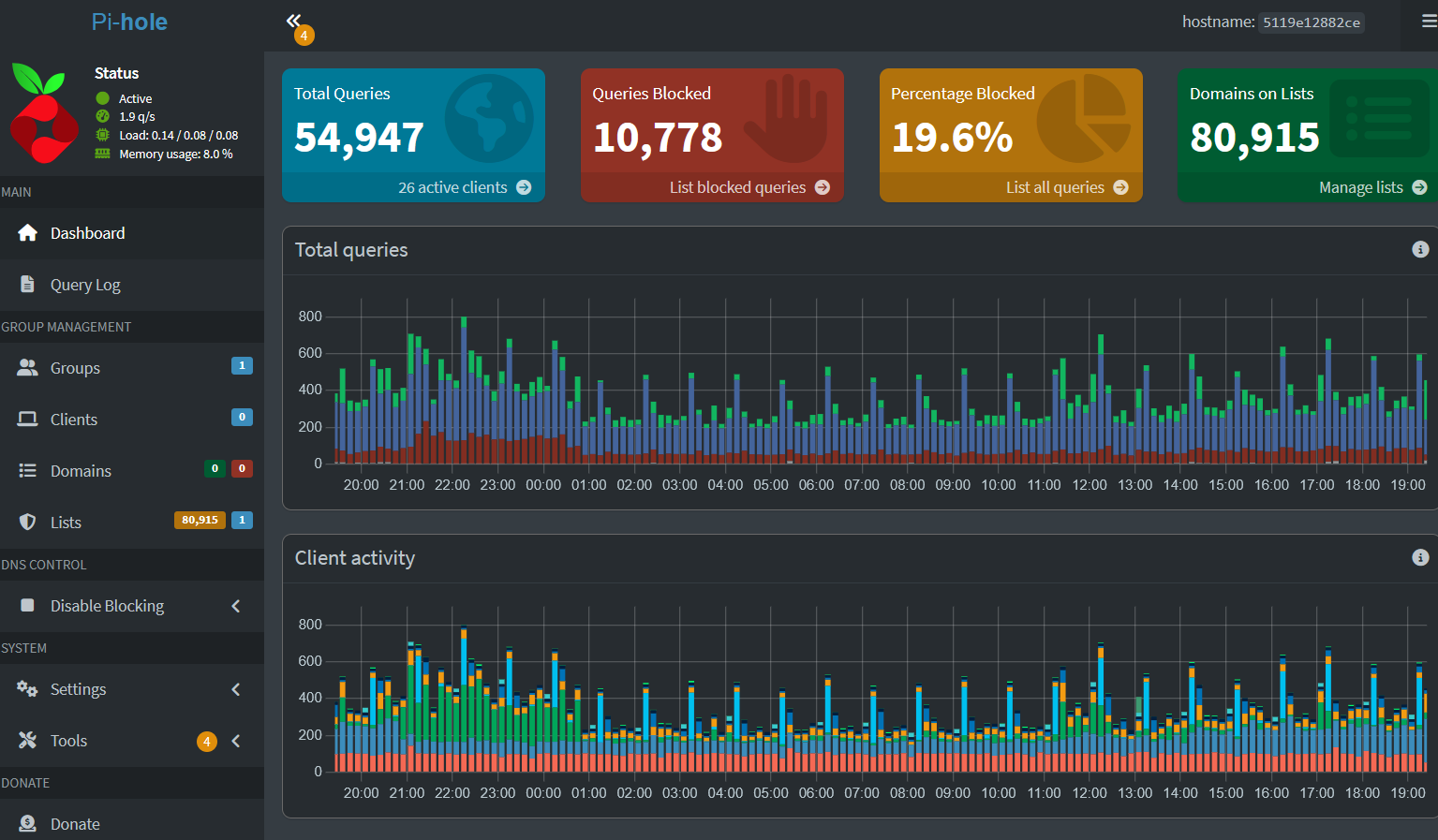
Pi-hole runs on the Pi5, acting as the DNS server for the entire network. Every request passes through Pi-hole before hitting the internet, blocking ads and trackers at the DNS level across every device - no browser extensions required.
Tailscale - Secure Remote Access
Tailscale creates a WireGuard-based mesh VPN across all my devices. Whether I am across town or internationally, I can securely access my home network, NAS files, and Home Assistant - no port forwarding and no exposed ports.